
Put the tracker on your phone
The tracker works in your phone's browser and can sit on your home screen like any other app.
On an iPhone
Open partner-demo.talkaustralia.au in Safari and log in. Press the share button (the square with an arrow), then Add to Home Screen, then Add.
On an Android phone
Open partner-demo.talkaustralia.au in Chrome and log in. Press the three dots at the top right, then Add to Home screen or Install app.
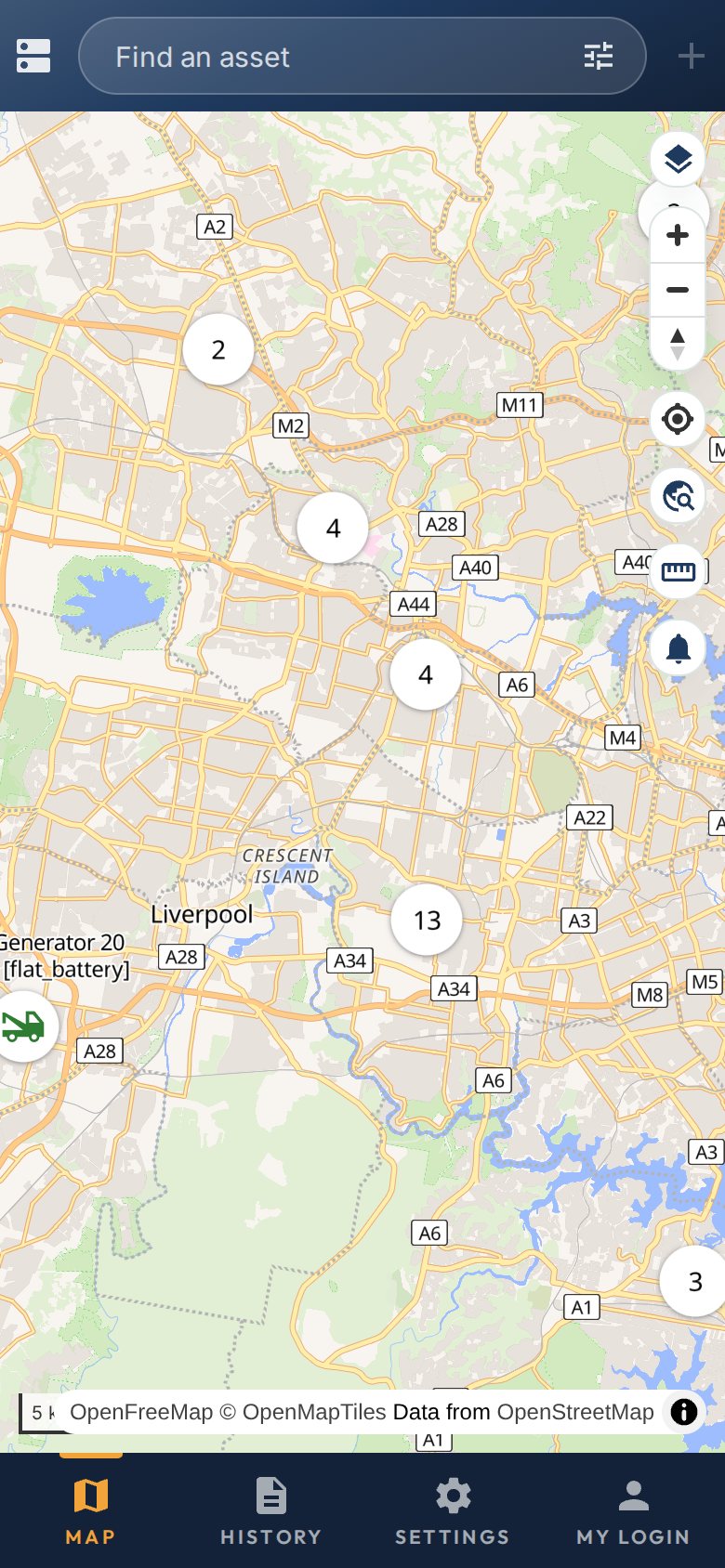
The map on a phone. The buttons along the bottom are Map, Reports, Settings and Account. Open it from the icon
Look for the Example Fleet icon on your home screen. It opens straight to your fleet.
Good to knowKeep the one-time code switched on. A phone is easier to lose than a desk.