
Give your staff their own logins
Shared passwords are how accounts get lost. As the admin for your business you can create a login for each person and choose what they see.
Open Users
Press Settings, then Team logins. Press the round + button at the bottom right.
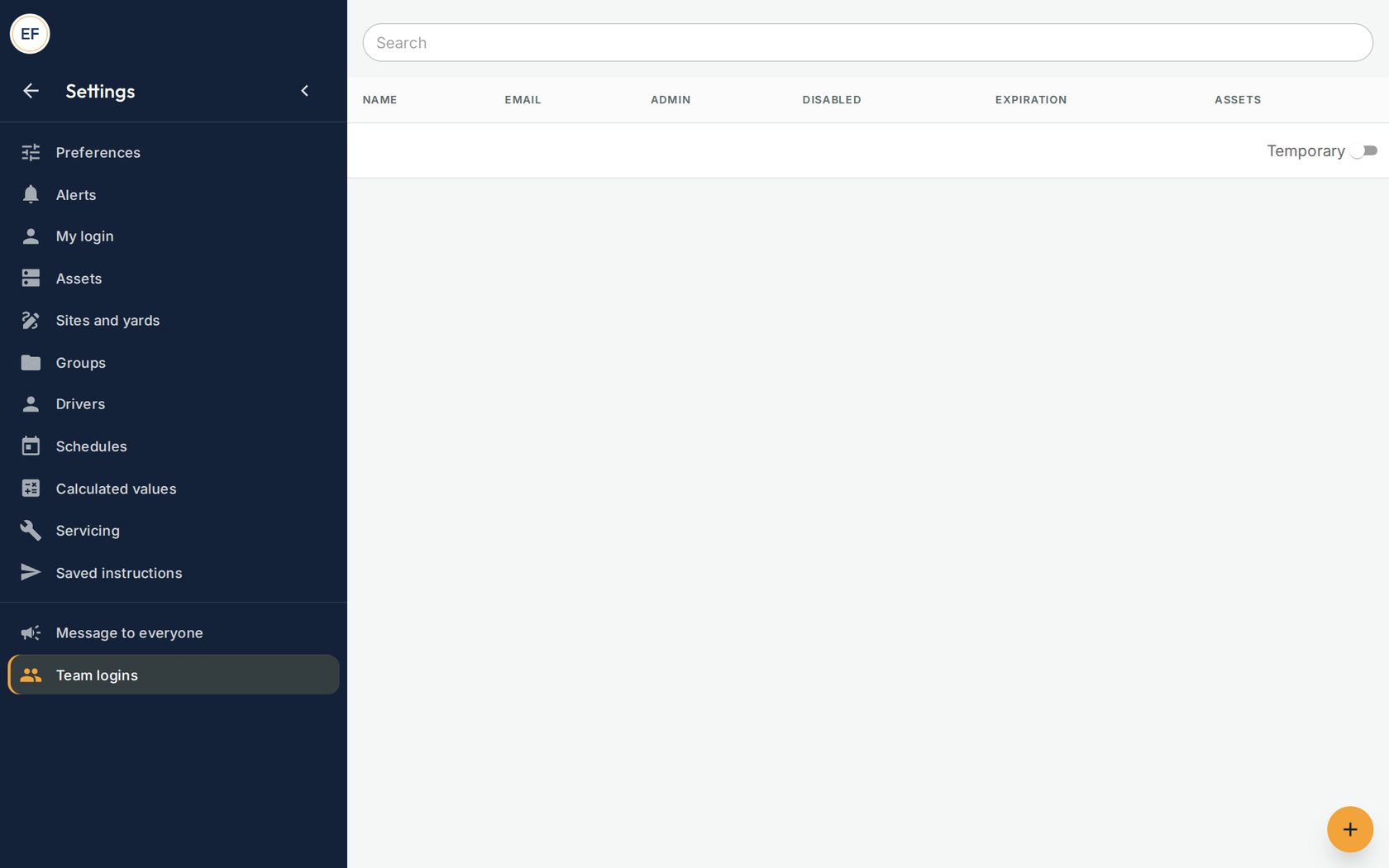
Your staff logins appear here. The plus button adds one. Fill in three boxes
Type their Name, their Email and a first Password, then press SAVE. Tell them the password by phone and ask them to change it at first sign-in.
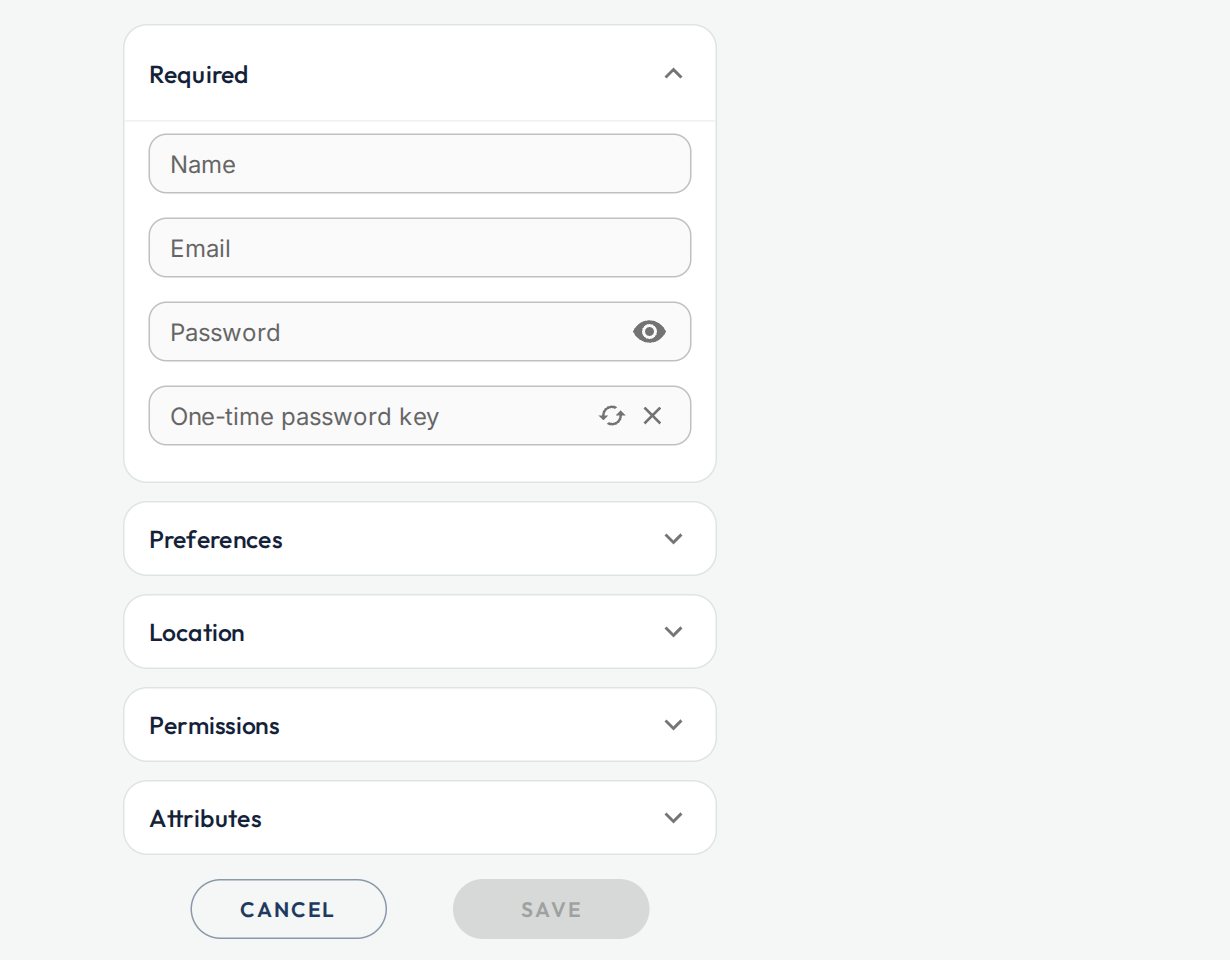
A new staff login. Choose what they can see
Back on the Users list, press the link icon on their row. Under Groups, pick your fleet to show them everything. Or under Assets, pick single assets.
Good to knowFor someone who should look but not change anything, open their login, open Permissions, and switch on Readonly.When someone leaves
Open their login and switch on Disabled, or remove it. Do it the same day.
Take careThere is a cap on how many logins you can create. If you reach it, call us on 02 5550 0142 and we raise it.