
Get told when something happens
You do not have to watch the map. Tell the tracker what matters and it tells you.
Open Notifications
Press Settings, then Alerts, then the round + button.
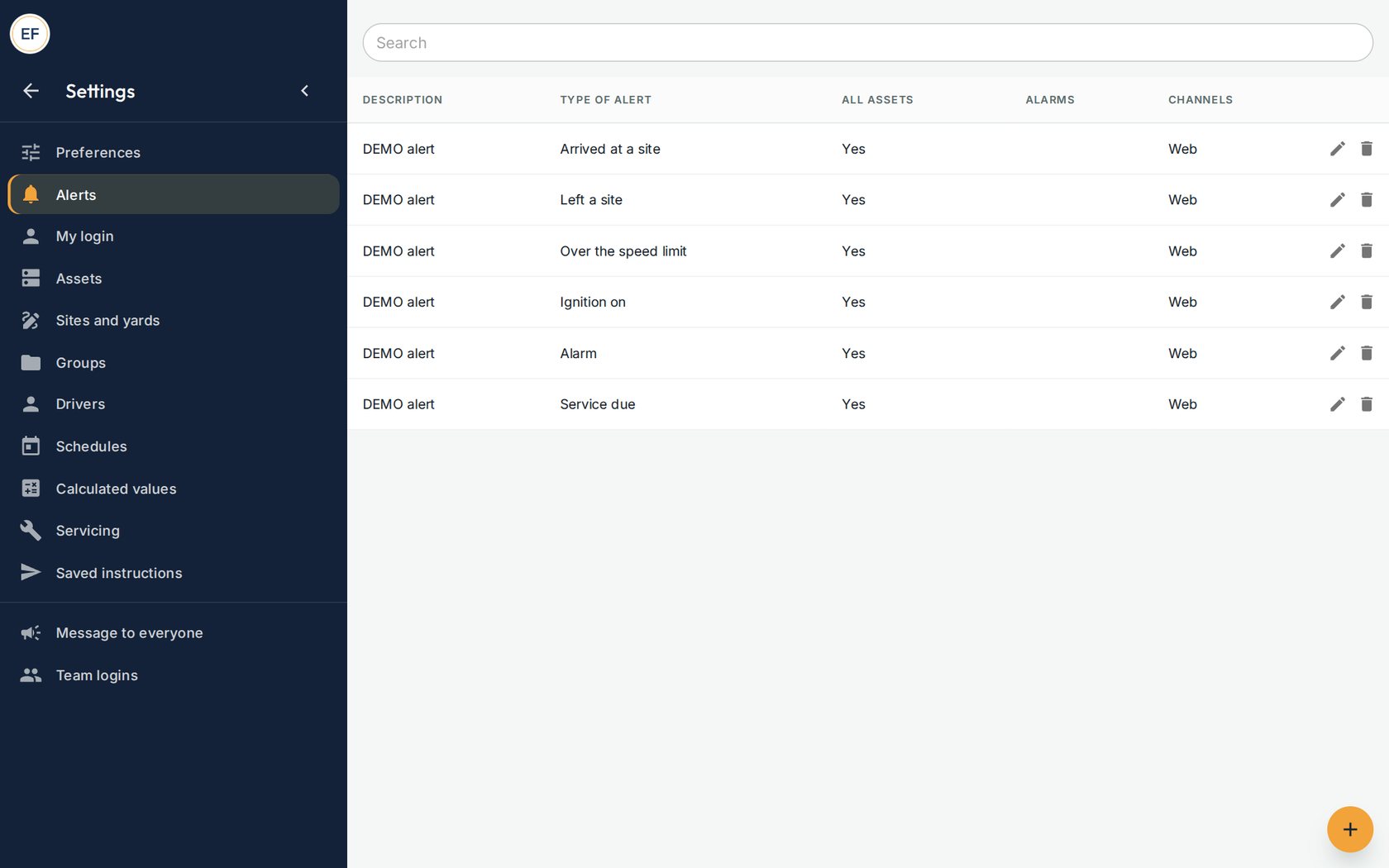
Alerts already set up on the demonstration account. Pick what to be told about
Under Type, choose the event. The most used are:
- Arrived at a site and Left a site: a unit arrives at, or leaves, a yard you have drawn
- Over the speed limit: a vehicle goes over the limit set for it
- Ignition on: a machine is started
- Service due: a service is due by engine hours
Pick how you are told
Under Channels choose Web, then SAVE. Alerts then pop up inside the tracker, and the bell on the map lists them.
Good to knowToday alerts show inside the tracker. Alerts by email are being switched on; we will tell you when they are ready.Draw a yard, if you have not
Press Settings, then Sites and yards. Draw a circle or a shape around the yard and give it a name.
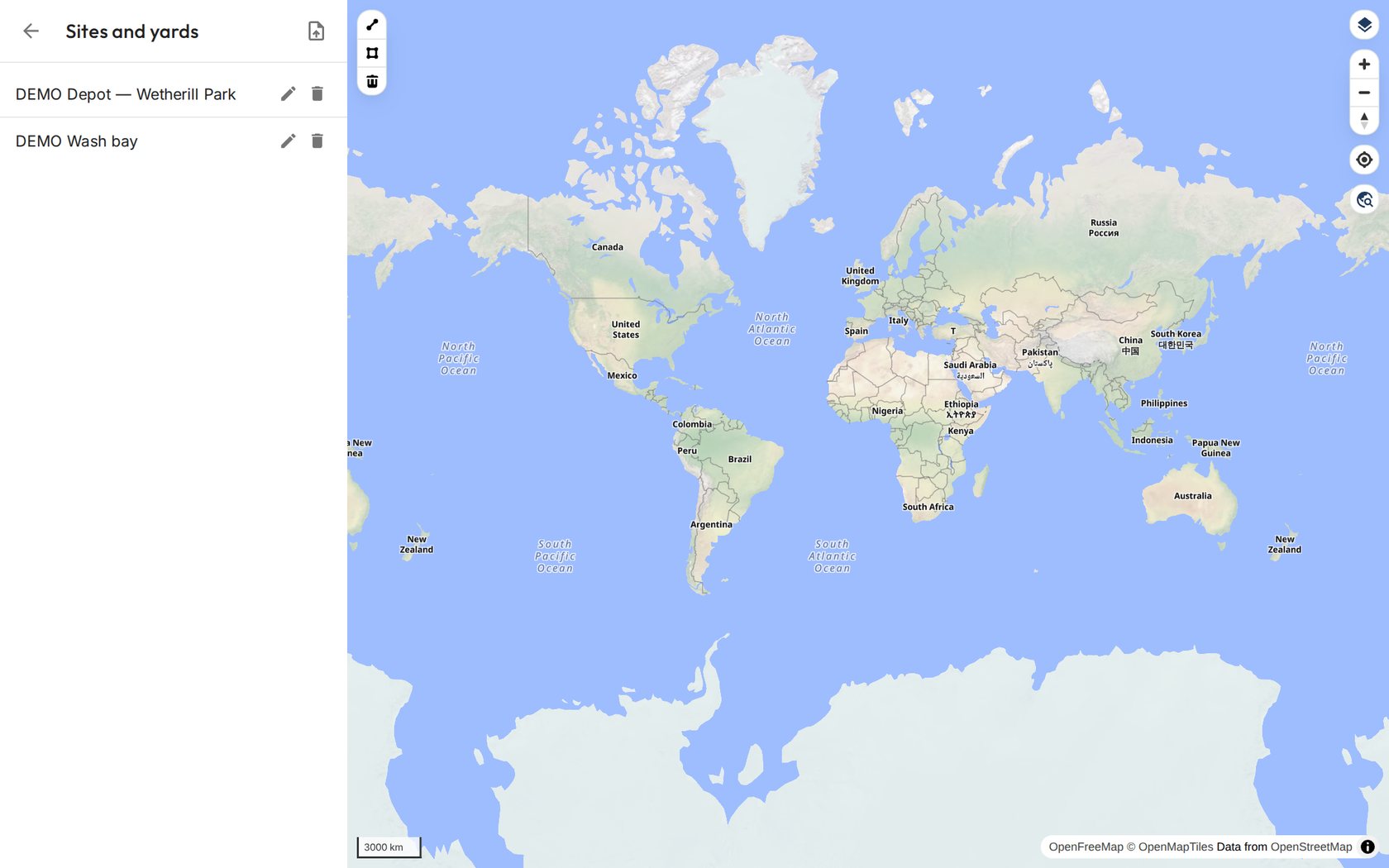
Two yards drawn on the map.