
See where an asset has been
Two tools answer "where did it go?". Replay draws the route on the map. Trips lists each journey with its start, finish and distance.
Replay a day on the map
Press History, then Play back. Choose the asset under Asset, choose the day under Period, and press SHOW. Press play to watch it move along the route.
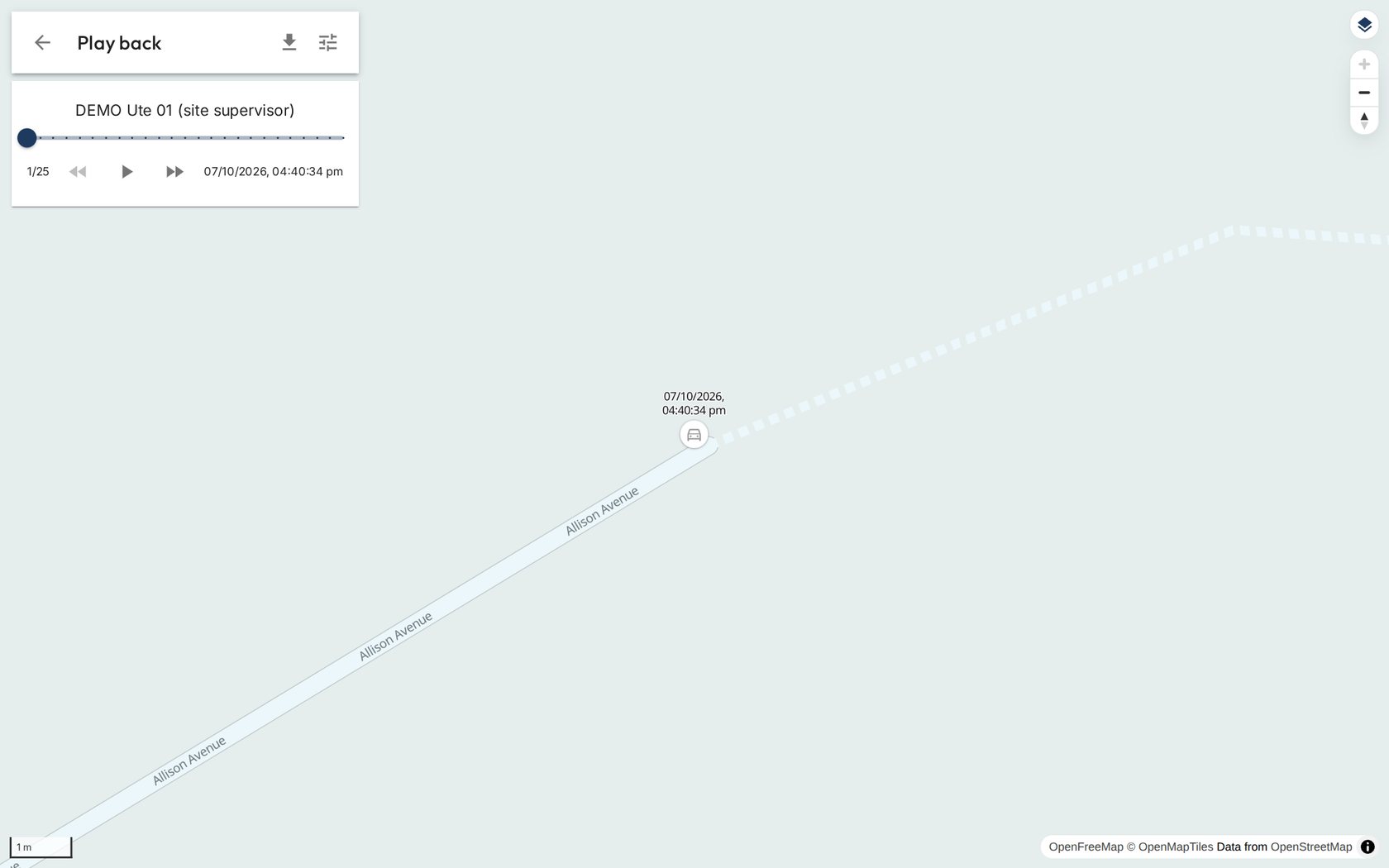
One vehicle's day, drawn on the map. List the trips
Press History, then Trips. Choose the asset and the period, then SHOW. Each row is one journey: when it started, when it ended, how far and how fast.
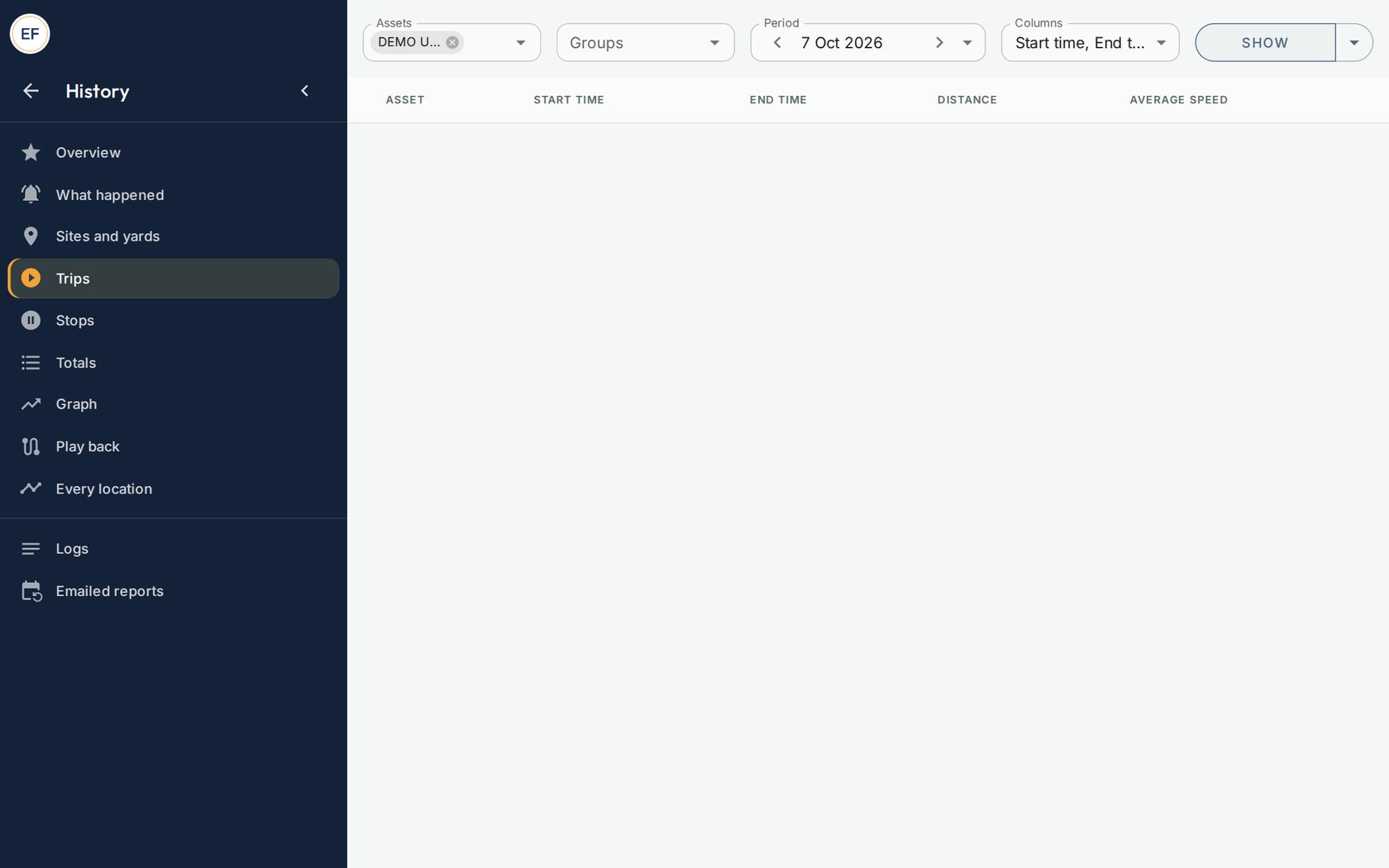
Trips for one vehicle. See what happened and when
History, then What happened lists the moments that matter: entered a yard, left a yard, engine on, went over its speed limit.
Good to knowAssets that sit still for weeks have no trips to show. For those, the morning list is the better tool.